Project - Savings Tracker
Full-stack app that helps users manage their finances more easily
How it works
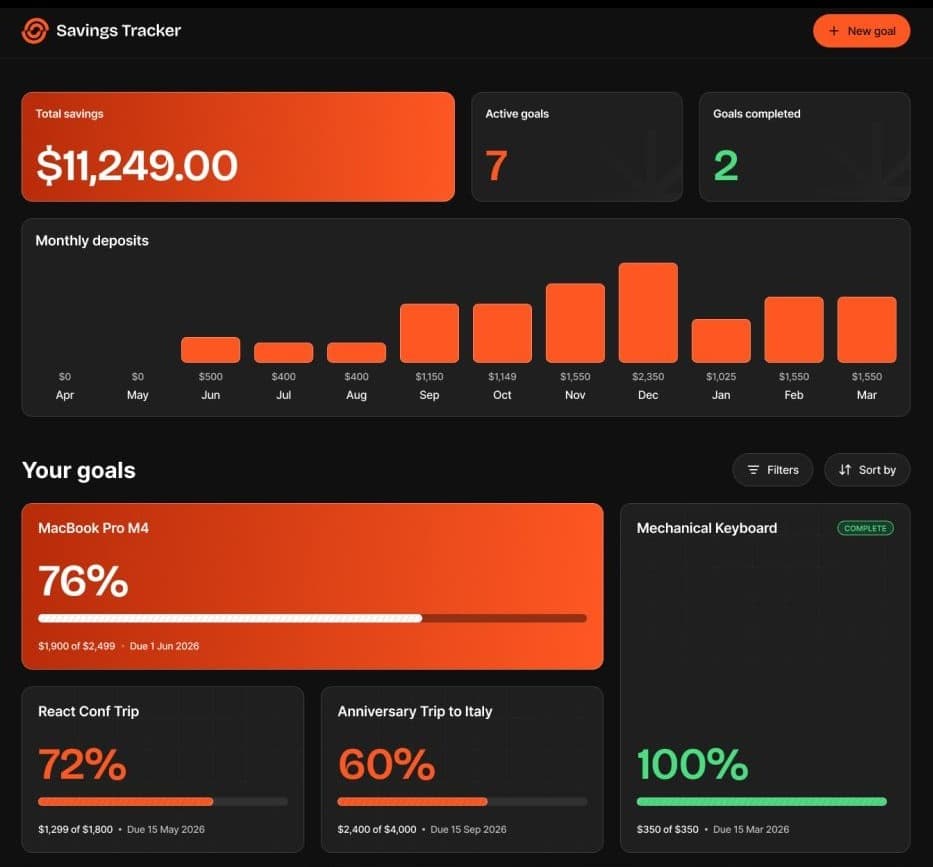
The app lets you set savings goals with a target amount and an optional deadline. Goals can be filtered and sorted alphabetically, by highest or lowest progress, or by deadline to make it easier to keep track.
After creating a goal, you can make deposits toward it and view your deposit history. Also, bar charts compare your savings for each month.
Goals and deposits are stored in a database. This is why users can create an account to save their data. However, they can also continue as a guest. They can log in with an email address and password or with their Google account.
Technologies used
Mobile-first
Next.js
React
TailwindCSS
Supabase
Responsive Design
What I've learned
This was the second project I built with Next.js. I learned how the App Router works, as well as how to customize a proxy. I also practiced using linear gradients and background images with Tailwind CSS. I also created custom trigger functions for the Supabase backend and practiced implementing OAuth in my applications. I also learned a lot about accessibility. For example, I learned how to create a dashboard that can be fully navigated with the keyboard.
Continued Development
In the future, I want to improve the accessibility of my projects. Also, there is a bug that occurs when reloading the goal details page. The not-found page is shown even though the goal exists. I want to fix that.